A very simple page editor for Google Chrome.

Guider is a tool for creatives, that allows you to iterate design decisions faster and remove the friction of working together. Simplicity of visual editing and the flexibility of code right in your browser.

Add To Chrome - It's Free
Try On This Page
For Desktop Only

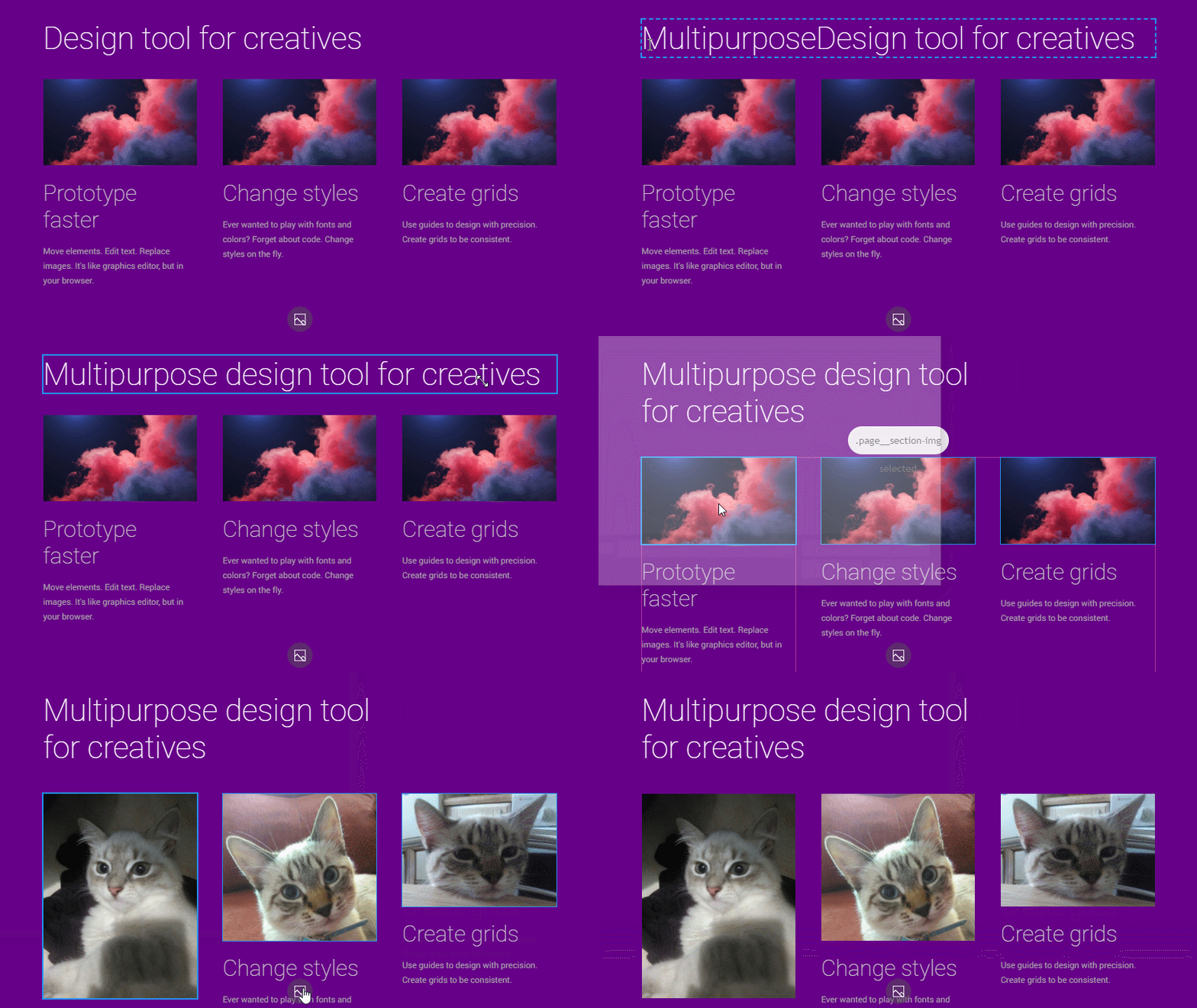
Move elements. Edit text. Replace images. It's like graphics editor, but in your browser.

  • Hold ctrl for multiple selection
  • Shift click for smart selection
  • Use standard shortcuts to Copy/Paste/Delete any node
  • Drag'n'Drop images to replace them
  • Copy/Paste images from other pages

Multipurpose design tool for creatives

Prototype faster

Move elements. Edit text. Replace images. It's like graphics editor, but in your browser.

Change styles

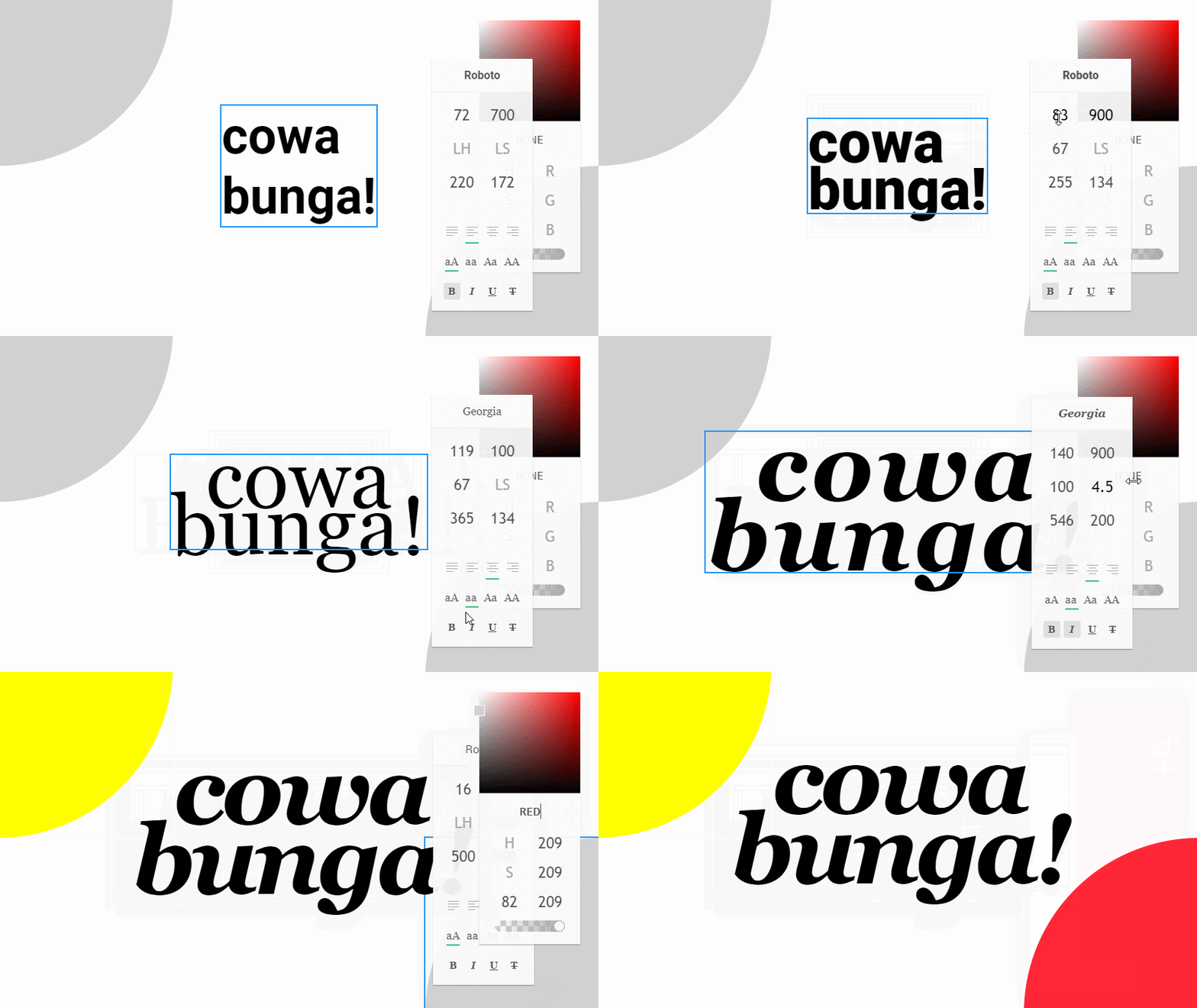
Ever wanted to play with fonts and colors? Forget about code. Change styles on the fly.

Create grids

Use guides to design with precision. Create grids to be consistent.
Ever wanted to play with fonts and colors? Forget about code. Change styles on the fly.

  • Widgets are draggable
  • Use ctrl-z ctrl-y to undo/redo changes
  • Empty input to set default
  • Right click on color picker to change color property
  • You can input color shortcuts (try to input 'red' or 'ab')

cowa
bunga!

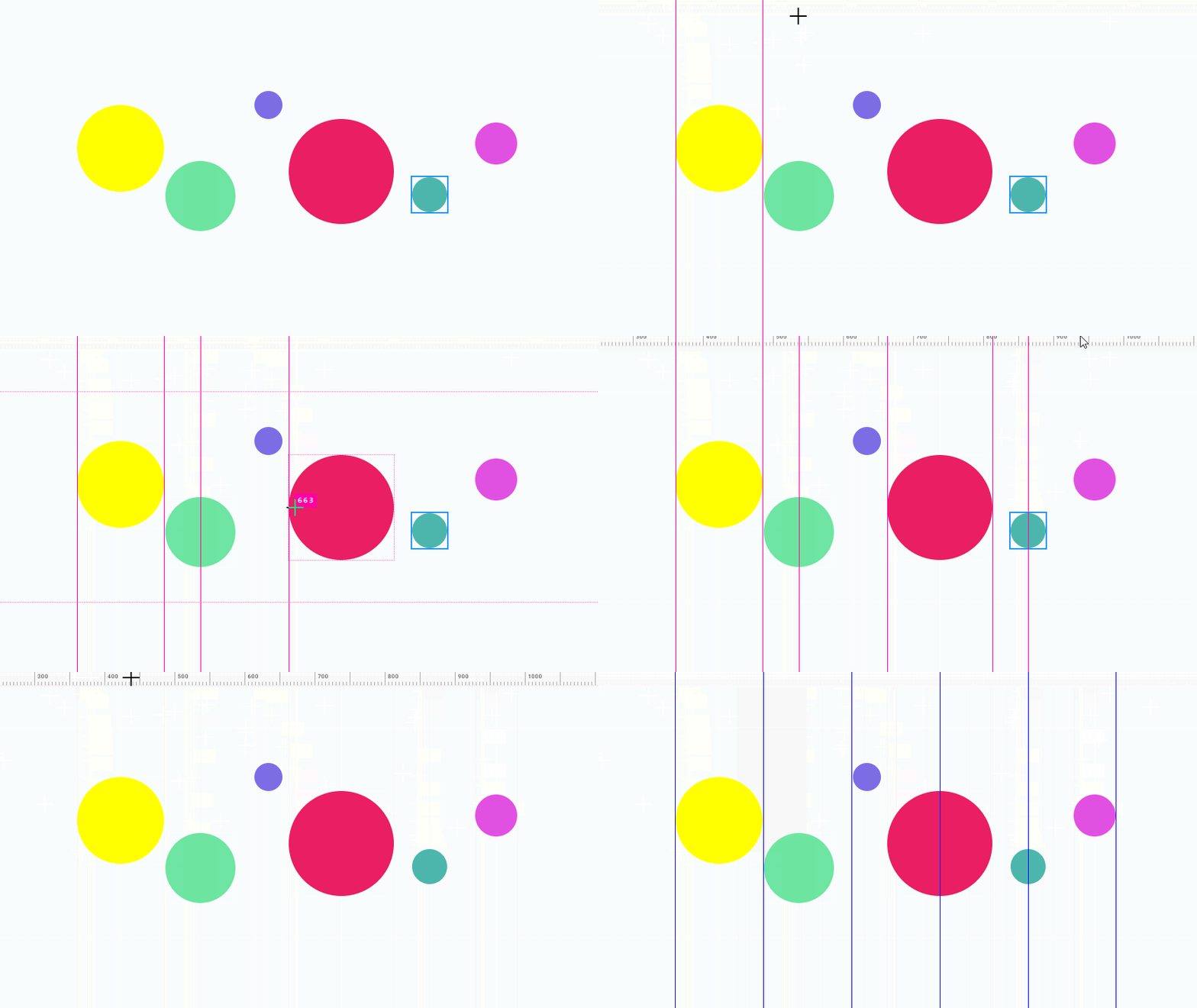
Use guides to design with precision. Create grids to be consistent.
  • Drag guide to opposite ruler to remove it
  • Click on the upper left corner to remove last guide, hold shift to remove them all
  • Right click on the top ruler to open grid menu
  • Hold alt to measure the distance
  • Hold shift to snap guide to the element edges
  • Press ctrl+; to hide guides, ctrl+' to lock them